

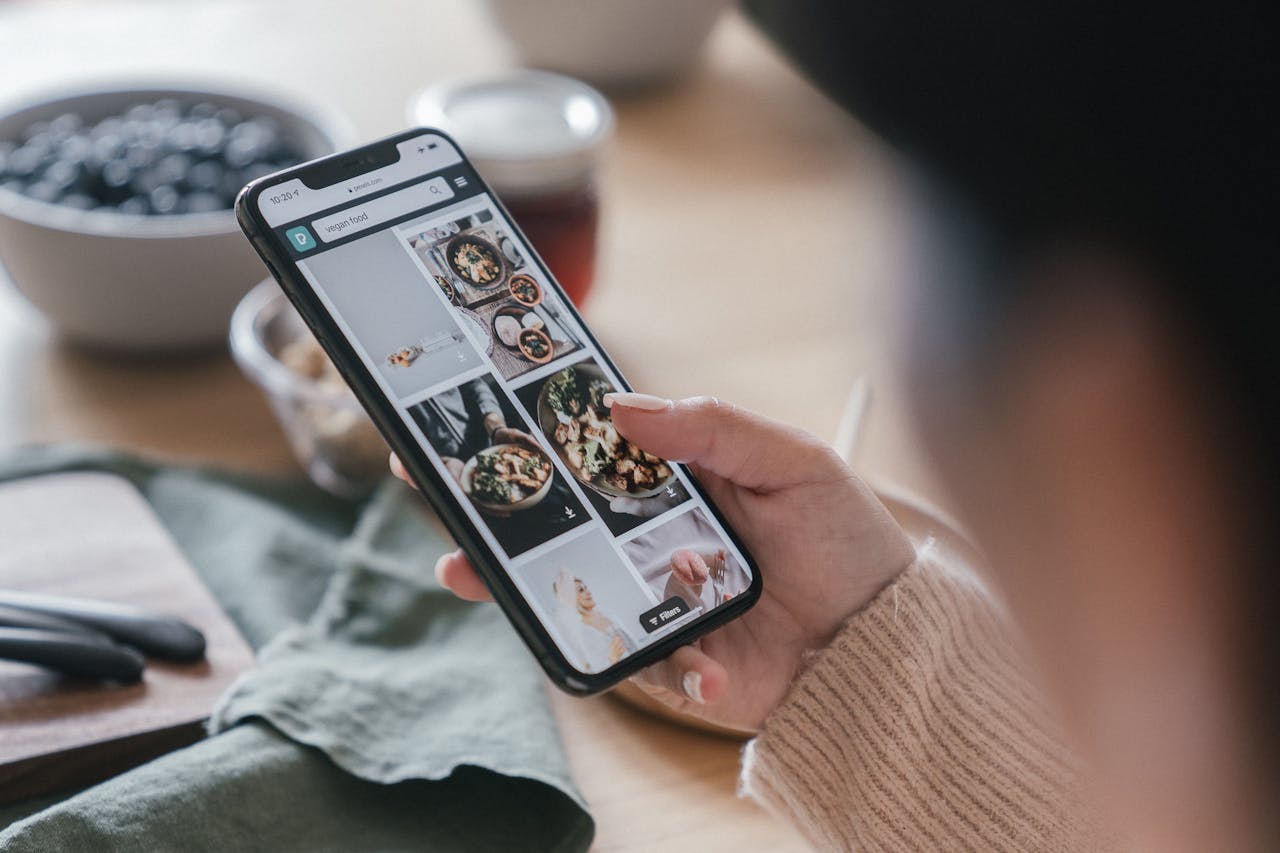
The Foodix Safari iOS Extension automatically shows a popup when a recipe is detected while browsing. Works silently in Safari. Share manually in Chrome or Firefox.
🔍 Smarter Browsing for Food Lovers
Ever found a mouth-watering recipe while browsing on your iPhone — only to forget about it later?
With the Foodix Safari Extension, recipes are automatically detected as you browse. No taps, no copy-pasting, no interruptions. Just a smart popup when we find something delicious.
✅ How It Works in Safari
- You open a cooking blog, article, or site in Safari
- Foodix scans the page silently
- If a recipe is found, it displays a popup banner with a button to save it
- Tap once, and the recipe is instantly added to your Foodix app — ingredients, steps, and all
It’s like having an AI sous-chef inside your browser.
🌐 What About Chrome or Firefox on iOS?
While Safari allows direct integration with popup detection, other browsers (like Chrome, Firefox, or Brave) don’t support the same level of extension access.
But Foodix still works great:
- Tap the Share button in Chrome or Firefox
- Select Foodix from the menu
- We’ll extract the recipe just like in Safari
So no matter your browser, you can always save what you see.
⚙️ How to Enable the Safari Extension
- Open your iPhone Settings
- Go to Safari ➝ Extensions ➝ Foodix
- Toggle it ON and grant permissions
Now, whenever you’re on a recipe page, Foodix will let you know — automatically.
🔒 Works on Thousands of Recipe Sites
- Food blogs
- Pinterest links
- News articles with recipes
- Cooking websites like NYT Cooking, Serious Eats, AllRecipes, and more
🎯 The Smartest Way to Collect Recipes
Foodix turns casual scrolling into curated cooking. Whether you’re meal-planning, batch-cooking, or collecting ideas, our Safari extension makes it effortless.
- No need to remember links
- No need to screenshot
- Just browse — we handle the rest
📲 Start Using the Foodix Safari Extension Today
Download Foodix from the App Store and enable the Safari extension in one tap.
Say goodbye to missed recipes — and hello to your personalized digital cookbook.